
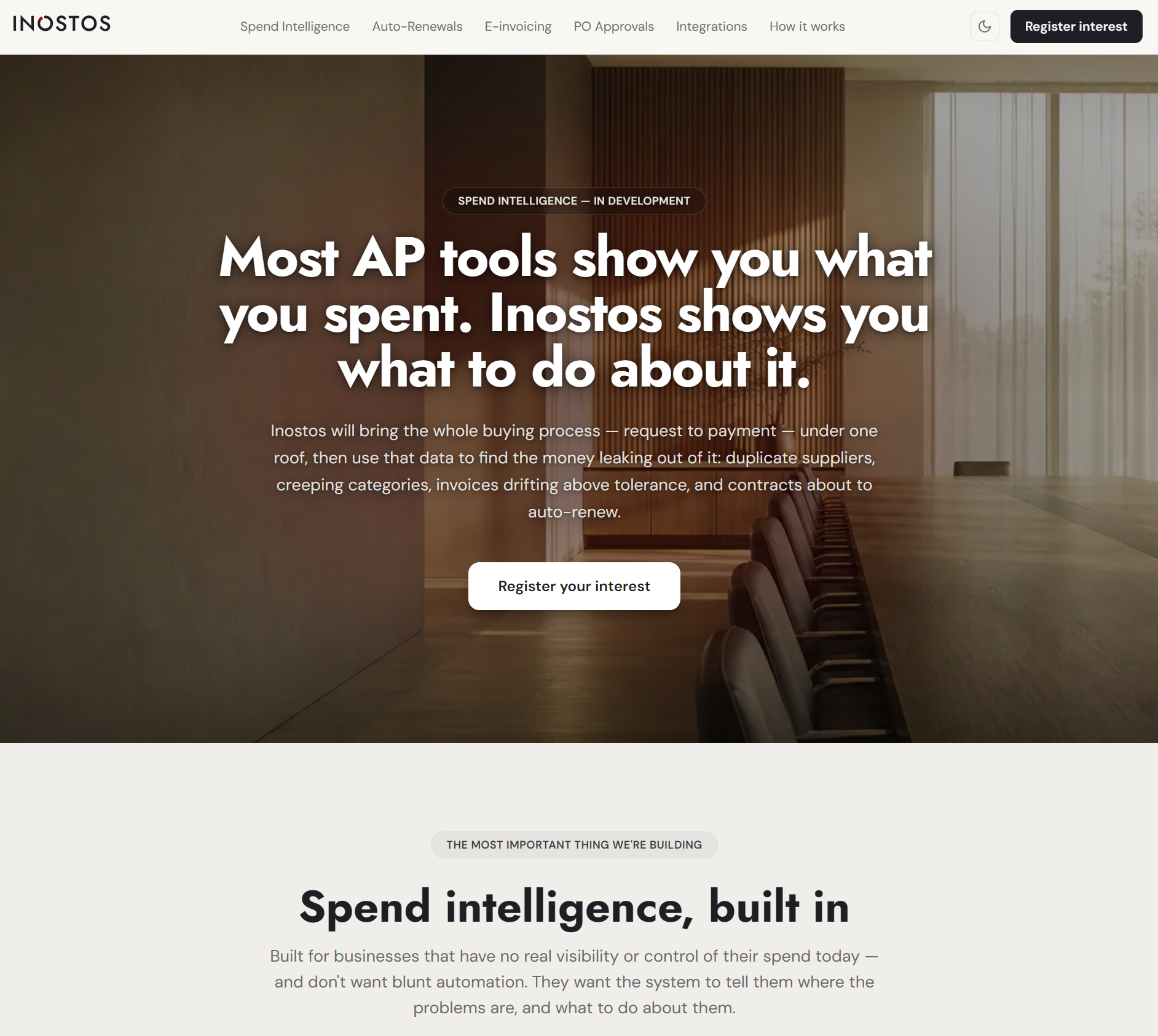
Most AP tools show you what you spent. Inostos shows you what to do about it.
Inostos finds the money leaking from your spend — duplicate suppliers, category creep, off-PO invoices and contracts about to auto-renew — built on a complete procure-to-pay foundation for growing finance teams.
Spend intelligence, built in
Built for businesses that have no real visibility or control of their spend today — and don't want blunt automation. They want the system to tell them where the problems are, and what to do about them.
Flag the same thing bought twice, the same supplier under two names, and overlapping subscriptions nobody remembers.
Surface where spend is rising, which suppliers are taking a growing share, and where consolidation would cut cost.
Invoices with no matching commitment, and spend drifting above approved values — flagged before they're paid.
Watch the payment stream for contracts about to renew themselves — before they do. Detected contracts flow into Timemy.
The difference from every dashboard: Inostos won't stop at a chart. It will propose the next step — consolidate these two suppliers, review this renewal, challenge this price rise.
Inostos in action
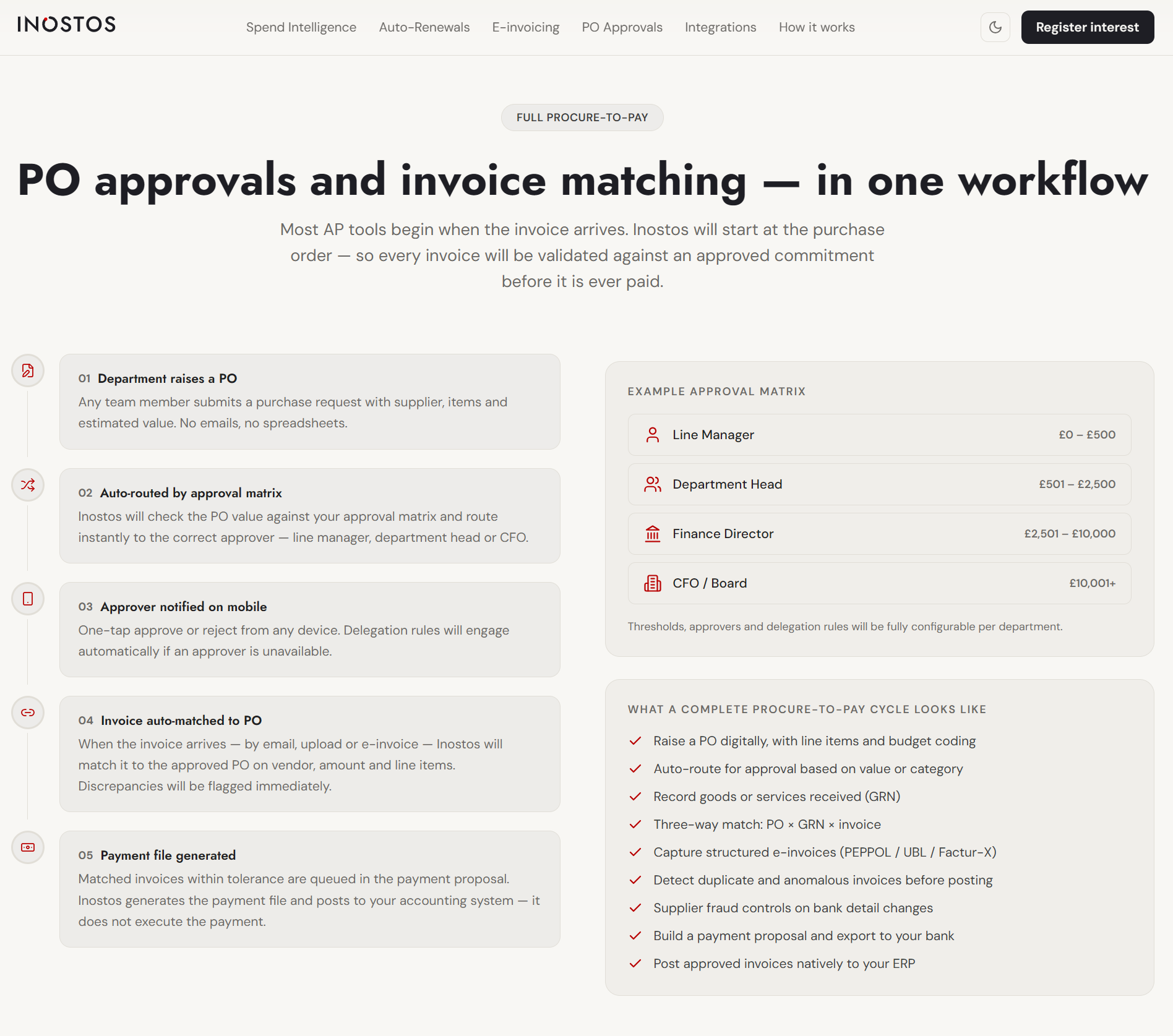
Spend intelligence built on a complete procure-to-pay foundation — from purchase request to payment file.
A rollout that respects your ERP and your team’s time
We keep it practical: prove value quickly, then expand.
Auto-renewal detection — before the contract renews itself
Inostos watches the payment stream for the signatures of auto-renewing contracts — recurring invoices, fixed monthly suppliers, commitments that repeat on a cycle — and flags them before they silently renew.
A standalone AP tool has no contract product to hand off to. A standalone contract tool has no payment data to detect from. Because Hidbrain builds both, Inostos does what neither can do alone.
Value-based routing, out of the box
Stop chasing approvals by email. Inostos routes every invoice to the right person based on value thresholds you define.
Thresholds, approvers and delegation rules are fully configurable per department. Example values shown.
Connects to your stack
Native two-way sync for cloud accounting — deep field-level integration for enterprise ERPs.
Security you can put in front of your auditors
EU data residency, AES-256 encryption at rest, TLS 1.2+ in transit, row-level data isolation, immutable audit trail, and segregation of duties enforced by the platform. Inostos generates payment files and exports them to your bank — it does not hold funds or execute transfers.
Priced for the whole team, not just the few
Full pricing will be announced at launch. Two principles are already settled: no per-seat pricing, and accessible to smaller businesses — not just enterprise.
For small finance teams starting their procure-to-pay journey.
- AI invoice extraction
- Value-based approval matrix
- Email inbox sync
- Xero or QuickBooks
- Spend intelligence dashboard
- Basic duplicate detection
For growing finance teams needing full P2P and spend intelligence.
- Everything in Starter
- PO approvals & auto-matching
- Three-way matching
- PEPPOL / e-invoice ingestion
- Auto-renewal detection
- Expense management module
For multi-entity groups needing Sage X3 or other enterprise ERP integration.
- Unlimited invoices & users
- Sage X3 / NetSuite / BC
- Multi-entity & multi-currency
- Custom approval matrix
- Supplier fraud controls
- Dedicated implementation & SLA
Inostos is a pre-launch product. Features described are planned capabilities, not yet live.
Find the money leaking from your spend
Register your interest at Inostos.com to follow progress, influence the roadmap and get priority access when we launch. Previously known as APHubNet.